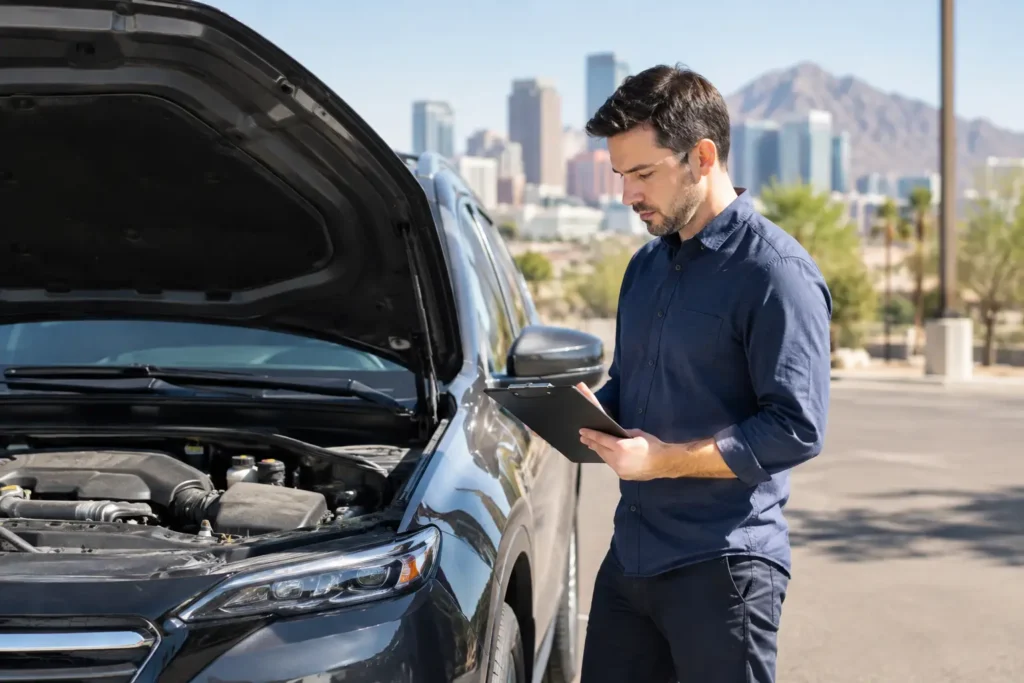

A car problem can stop your income fast. Whether your vehicle is in the shop, you are between cars, or you want to start driving without taking on an auto loan, knowing how to rent a rideshare vehicle gives you a practical path back to earning. For Phoenix-area Uber, Lyft, Veyo, delivery, and other gig drivers, the right rental should be road-ready, affordable enough to support your weekly goals, and clear about what is included.
A rideshare rental is not just about finding a vehicle with four doors. You need to confirm that the vehicle, rental terms, insurance arrangement, and platform requirements work together before you accept your first trip.
Start With the Work You Plan to Do
Before requesting availability, decide how you will use the vehicle. A driver focused on Uber or Lyft passenger trips may need a newer four-door sedan that meets a platform’s local age, inspection, and comfort requirements. A Veyo driver may have separate approval, insurance, or vehicle standards. Delivery drivers for DoorDash, Instacart, or Amazon Flex may have more flexibility, but fuel costs, cargo space, and daily mileage still matter.
This step affects the type of car you should rent and how you evaluate the weekly rate. If you expect to drive full time across Phoenix, Scottsdale, Tempe, Mesa, and Glendale, a vehicle with strong fuel economy and an unlimited-mileage option may be worth more than the lowest advertised weekly price. If you only plan to drive weekends or evenings, a flexible short-term arrangement may make better financial sense.
Be realistic about your earning plan. Estimate your expected weekly miles, the hours you can drive, fuel expense, tolls or parking where applicable, and the rental payment. The goal is not simply to get approved for a car. It is to rent a vehicle that leaves room for profit after your operating costs.
How to Rent a Rideshare Vehicle: Check Eligibility First
Each gig platform sets its own current rules, and those rules can change. Confirm vehicle eligibility directly with the platform before reserving a car. Ask whether the vehicle must be listed on your driver account before you can go online, whether an inspection is required, and what documents you need to submit.
You should also confirm your personal eligibility. Most platforms require an active driver account or an account that can be activated once vehicle documents are uploaded. Keep your driver’s license, proof of any required background clearance, and platform account information ready. If you are new to rideshare driving, understand that rental availability and platform approval are two separate steps.
When speaking with a rental provider, explain exactly what you intend to do. Say whether the vehicle is for Uber, Lyft, Veyo, delivery work, personal use, or a combination. That conversation helps prevent a frustrating mismatch between the car you reserve and the work you plan to accept.
Ask What the Weekly Price Actually Covers
A weekly rate is easy to compare, but it is not the full cost of renting. Ask for a clear explanation of the payment schedule, security deposit, mileage policy, insurance options, maintenance responsibilities, and any charges that could apply during the rental period.
Insurance deserves special attention. Rideshare platforms may provide limited coverage during certain parts of a trip, but that does not automatically cover every situation while you are driving or waiting for requests. Ask the rental company what insurance is available, what it covers, what your deductible may be, and whether the arrangement supports your intended platform use. Do not assume a standard personal-use rental policy applies to paid driving.
Maintenance is another practical question. A dependable rental provider should explain what happens if a warning light comes on, a tire needs attention, or the vehicle needs scheduled service. You are renting to stay mobile, so know who to contact and what support process applies before you need help.
Inspect the Vehicle Before You Leave
Take a few minutes to inspect the car at pickup. This protects you and creates a better starting point for a productive rental week. Check the exterior for existing dents, scratches, windshield damage, and tire condition. Inside, make sure the seats, seat belts, air conditioning, lights, charging ports, and fuel level are in acceptable condition.
Use your phone to take date-stamped photos and report any existing damage before leaving the lot. Verify that the registration, insurance documentation, and any required inspection paperwork are available. If you will carry passengers, clean presentation matters. A car that is mechanically sound but dirty, hot, or poorly maintained can lead to lower ratings and fewer tips.
Ask how roadside issues are handled and save the provider’s contact information. A flat tire or mechanical concern is stressful enough without searching for the right number while you are parked on the side of the road.
Get the Vehicle Added to Your Platform Account
Once you have the rental documents, upload the required information to your rideshare or delivery platform. This may include the registration, insurance details, vehicle identification information, and inspection records. Some platforms approve updates quickly, while others may take longer, especially if documents are unclear or incomplete.
Avoid driving for paid trips until the platform confirms that the vehicle is approved. A car can be legal to drive and still not be authorized for your specific account. If you are switching from your personal vehicle to a rental, check that the correct vehicle is selected in the driver app before going online.
For drivers using more than one platform, confirm eligibility with each one separately. A vehicle accepted by one app is not automatically accepted by another. This matters for drivers who plan to combine rideshare trips with grocery delivery, package delivery, or non-emergency transportation work.
Make the Rental Work for Your Weekly Goals
A rideshare rental works best when you treat it as a business expense with a plan behind it. Set a weekly earnings target that covers the rental, fuel, food, phone service, and savings for taxes before you count the rest as income. Track your mileage and expenses daily rather than trying to recreate them at the end of the month.
Phoenix driving conditions also affect your plan. Summer heat can increase fuel use and make air conditioning non-negotiable. Airport runs, major events, rush-hour trips, and travel between Valley cities can add miles quickly. Build time into your schedule for cleaning, refueling, charging your phone, and checking the vehicle before busy periods.
Protect the rental as if it were your own business asset. Keep it clean, avoid smoking or prohibited use, report concerns early, and follow the return or extension process stated in your agreement. A good rental record can make it easier to maintain access to transportation when your work schedule changes.
Choose a Local Rental Partner That Answers Questions
The fastest option is not always the best option. Look for a Phoenix-area provider that can explain vehicle availability, weekly and longer-term arrangements, insurance guidance, mileage terms, and support in plain language. You should know what you are paying for, what is expected of you, and how quickly you can get on the road.
Elite Movement Transportation Services helps individual drivers find flexible vehicle rental options for rideshare, delivery, and personal transportation needs. Availability can vary, so calling or submitting an availability request with your driving plans, preferred start date, and expected rental length helps the team match you with a practical option.
If your current car is keeping you from earning, do not wait for the problem to get more expensive. Gather your documents, confirm your platform requirements, ask the right rental questions, and choose a vehicle arrangement that supports the miles you plan to drive this week.